Claude
Cursor
Obsidian
Designing with AI
Designing with AI
4 Ways I have incorporated AI tools to my day-to-day workflows.
Introduction
In the past couple years I have implemented AI to my daily workflow: jumping from brainstorming and ideation, to design, prototipation and delivery.
I find it useful to use it to explore what solutions it might offer to real problems encountered in a project.
My toolkit
Claude
Conducting research
Benchmarking
Designing presentations
Cursor
Understanding code
Building prototypes
Shipping to production
Claude Code + Obsidian
Notetaking
Custom base knowledge
Organising informations
Cursor + GitHub + Vercel
Building and hosting prototypes
Brainstorming in Claude Code + Obsidian
Every brainstorming and problem-analysis process take place in Obsidian.
I integrated Claude Code via terminal to help me centralize and keep track of all my stakeholder's notes and all the project informations in a single, connected space.

Understanding the code and building prototypes with Cursor
As we know, the bridge between design and code is so close yet so far: it’s always difficult to reproduce exactly what’s been designed in the final development.
What’s more, the behaviour of components isn’t always documented, so you can only explore it within the code.
Cursor helps me understand how all this works, resolve misunderstandings and better align the work between design and development.

Learnings
AI must be trained a lot
Artificial intelligence often struggles to interpret an existing design system correctly: the output comes very close, but it is never perfect.
It often ignores tokens, alters the behaviour of components, or replaces icons and sections of the various screens.
To overcome this, it is essential to have Markdown files that explain to the AI how to work, what not to do, and what it is allowed to modify.
AI helps me deepen my expertise, not replace it
Over the past few months, I have learnt more about how different systems work and interact than I ever have before.
AI has reduced my working time and improved the results I produce, thanks to the exploration that would otherwise have been impossible.
However, it in no way replaces taste, judgement or experience: the value of the designs still lies in knowing what to ask for, what doesn’t work, and what is pleasing to the eye.
Different shipping methods
For a long time, a Figma file was the only way to share and deliver a project: now, depending on the purpose of sharing, I can choose whether to use a Figma file, a prototype or a bespoke tool built on the spot.
The way design deliverables are produced has changed radically, becoming more flexible and dynamic.
Introduction
In the past couple years I have implemented AI to my daily workflow: jumping from brainstorming and ideation, to design, prototipation and delivery.
I find it useful to use it to explore what solutions it might offer to real problems encountered in a project.
Introduction
In the past couple years I have implemented AI to my daily workflow: jumping from brainstorming and ideation, to design, prototipation and delivery.
I find it useful to use it to explore what solutions it might offer to real problems encountered in a project.
In the past couple years I have implemented AI to my daily workflow: jumping from brainstorming and ideation, to design, prototipation and delivery.
I find it useful to use it to explore what solutions it might offer to real problems encountered in a project.
My toolkit
Claude
Conducting research
Benchmarking
Designing presentations
Cursor
Understanding code
Building prototypes
Shipping to production
Claude Code + Obsidian
Notetaking
Custom base knowledge
Organising informations
Cursor + GitHub + Vercel
Building and hosting prototypes
My toolkit
Claude
Conducting research
Benchmarking
Designing presentations
Cursor
Understanding code
Building prototypes
Shipping to production
Claude Code + Obsidian
Notetaking
Custom base knowledge
Organising informations
Cursor + GitHub + Vercel
Building and hosting prototypes
Brainstorming in Claude Code + Obsidian
Every brainstorming and problem-analysis process take place in Obsidian.
I integrated Claude Code via terminal to help me centralize and keep track of all my stakeholder's notes and all the project informations in a single, connected space.
Brainstorming in Claude Code + Obsidian
Every brainstorming and problem-analysis process take place in Obsidian.
I integrated Claude Code via terminal to help me centralize and keep track of all my stakeholder's notes and all the project informations in a single, connected space.
Understanding the code and building prototypes with Cursor
As we know, the bridge between design and code is so close yet so far: it’s always difficult to reproduce exactly what’s been designed in the final development.
What’s more, the behaviour of components isn’t always documented, so you can only explore it within the code.
Cursor helps me understand how all this works, resolve misunderstandings and better align the work between design and development.
Understanding the code and building prototypes with Cursor
As we know, the bridge between design and code is so close yet so far: it’s always difficult to reproduce exactly what’s been designed in the final development.
What’s more, the behaviour of components isn’t always documented, so you can only explore it within the code.
Cursor helps me understand how all this works, resolve misunderstandings and better align the work between design and development.
Learnings
AI must be trained a lot
Artificial intelligence often struggles to interpret an existing design system correctly: the output comes very close, but it is never perfect.
It often ignores tokens, alters the behaviour of components, or replaces icons and sections of the various screens.
To overcome this, it is essential to have Markdown files that explain to the AI how to work, what not to do, and what it is allowed to modify.
AI helps me deepen my expertise, not replace it
Over the past few months, I have learnt more about how different systems work and interact than I ever have before.
AI has reduced my working time and improved the results I produce, thanks to the exploration that would otherwise have been impossible.
However, it in no way replaces taste, judgement or experience: the value of the designs still lies in knowing what to ask for, what doesn’t work, and what is pleasing to the eye.
Different shipping methods
For a long time, a Figma file was the only way to share and deliver a project: now, depending on the purpose of sharing, I can choose whether to use a Figma file, a prototype or a bespoke tool built on the spot.
The way design deliverables are produced has changed radically, becoming more flexible and dynamic.
Learnings
AI must be trained a lot
Artificial intelligence often struggles to interpret an existing design system correctly: the output comes very close, but it is never perfect.
It often ignores tokens, alters the behaviour of components, or replaces icons and sections of the various screens.
To overcome this, it is essential to have Markdown files that explain to the AI how to work, what not to do, and what it is allowed to modify.
AI helps me deepen my expertise, not replace it
Over the past few months, I have learnt more about how different systems work and interact than I ever have before.
AI has reduced my working time and improved the results I produce, thanks to the exploration that would otherwise have been impossible.
However, it in no way replaces taste, judgement or experience: the value of the designs still lies in knowing what to ask for, what doesn’t work, and what is pleasing to the eye.
Different shipping methods
For a long time, a Figma file was the only way to share and deliver a project: now, depending on the purpose of sharing, I can choose whether to use a Figma file, a prototype or a bespoke tool built on the spot.
The way design deliverables are produced has changed radically, becoming more flexible and dynamic.
Watch the other case studies
Watch the other case studies

Directa | UX Redesign
Directa | UX Redesign
Redesigned the Directa SIM experience, from an outdated brokerage service into a modern, data-driven platform.
Claude
Figma
Cursor
B2B | Internal Banking Tool
B2B | Internal Banking Tool
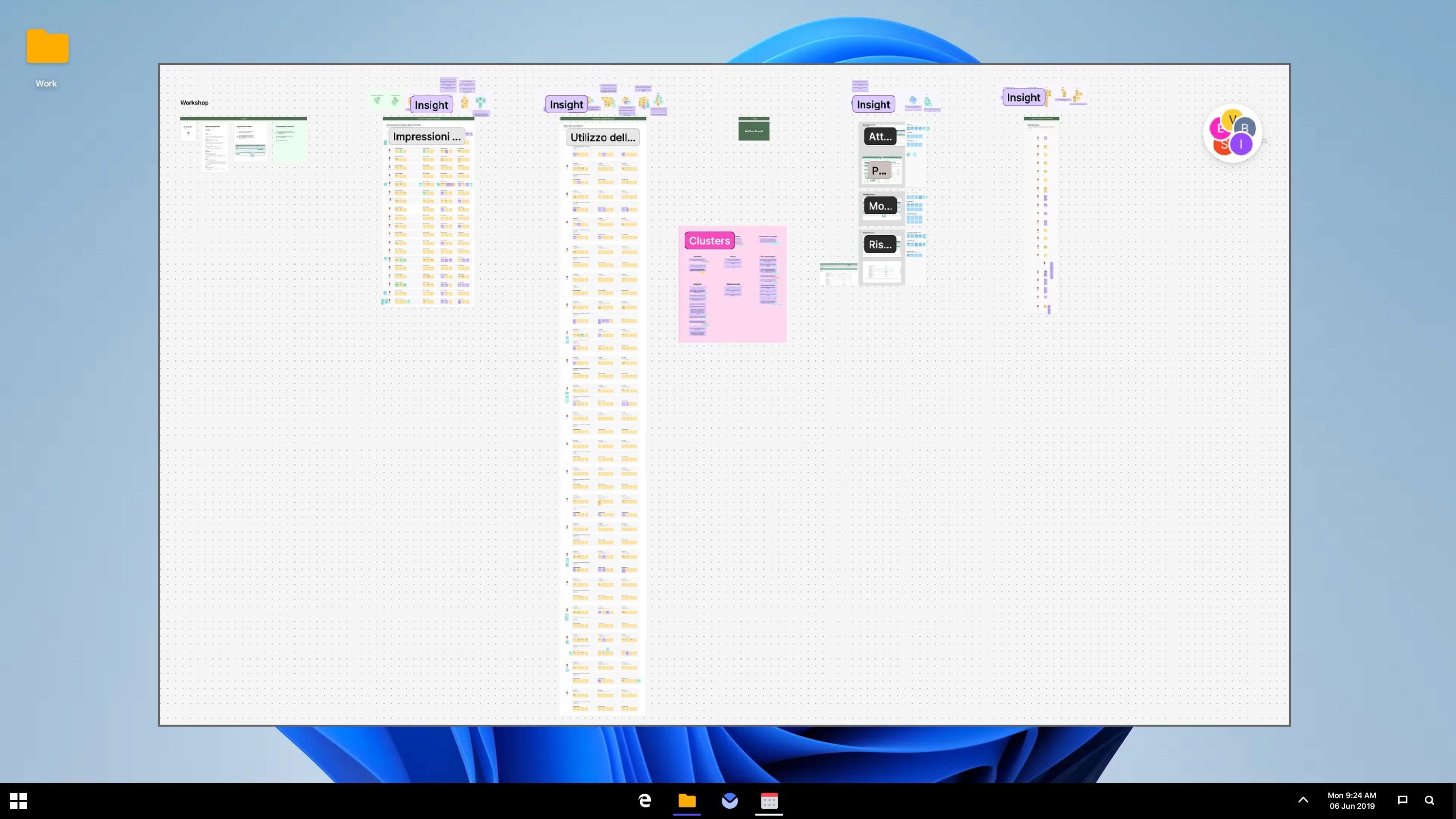
Led workshops and meetings in order to redesign an internal banking tool that enables managers to fetch and retrieve informations about customer's contact history.
Figma
FigJam